<- Back to Demo Lab

Salesforce Demo 2

Salesforce + Google Workspace Signature Automation

This demo pulls employee data from Salesforce, lets a signature template be selected per employee, previews the generated email signature, and updates the matching Gmail signature in Google Workspace.

What this demo proves

  • Salesforce employee data retrieval
  • Google Workspace user matching
  • Dynamic HTML signature generation
  • Gmail signature update flow
  • Secure server-side integration design

Workflow preview

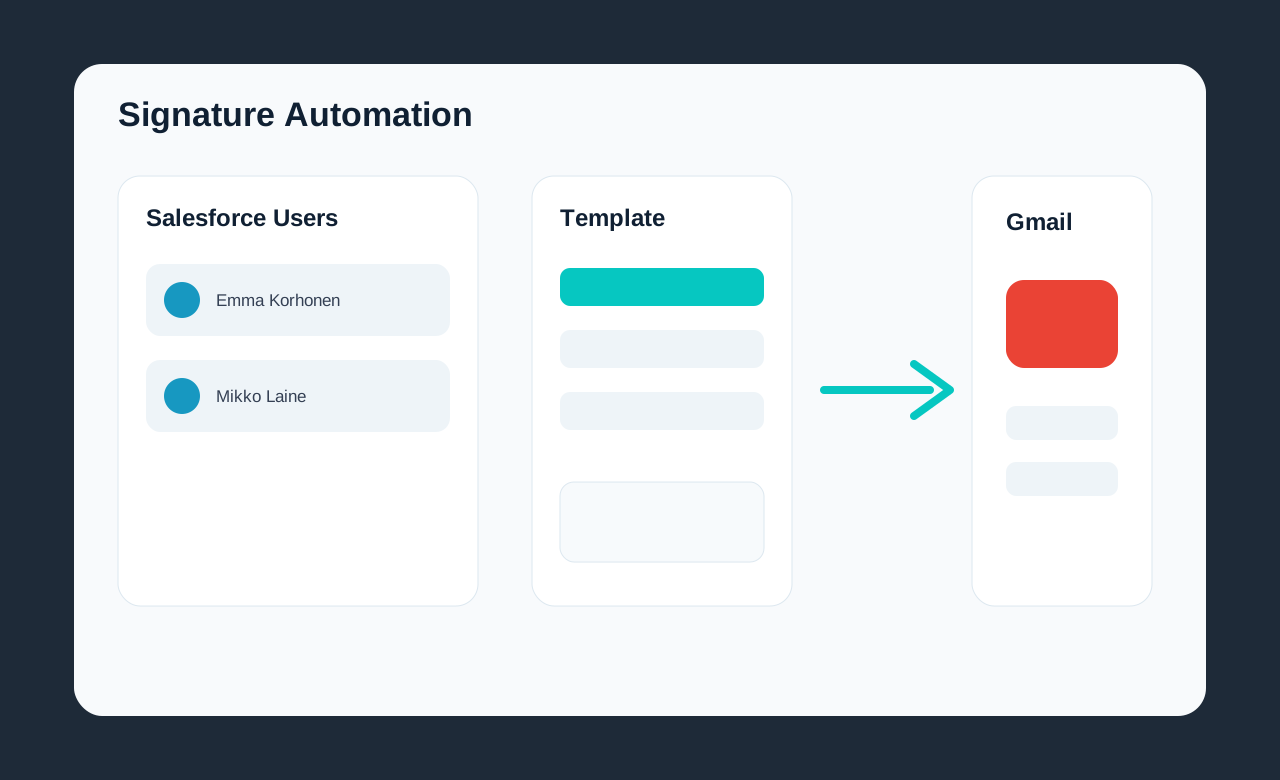
Salesforce users to Gmail signatures

The visual flow shows how Salesforce user data can drive template selection, signature preview, Google Workspace matching, and Gmail signature updates.

Google Workspace signature automation workflow preview

Walkthrough Video

Watch the walkthrough showing Salesforce user retrieval, template selection, signature preview, and Gmail signature update.

How the Workflow Runs

  1. Pull active users from Salesforce.
  2. Map Salesforce employee data to a signature template.
  3. Select an email signature template per employee.
  4. Preview the generated HTML signature.
  5. Find the matching Google Workspace user by email address.
  6. Update the matching Gmail signature through a server-side API route.

Technologies Used

Next.jsReactSalesforce REST APIGoogle Workspace APIsGmail APIGoogle Admin SDKHTML Signature TemplatesServer-side API RoutesSecure Credential Handling

Security Note

Salesforce and Google Workspace credentials are handled only through server-side API routes. Secrets, service account keys, and access tokens are never exposed in the browser.